
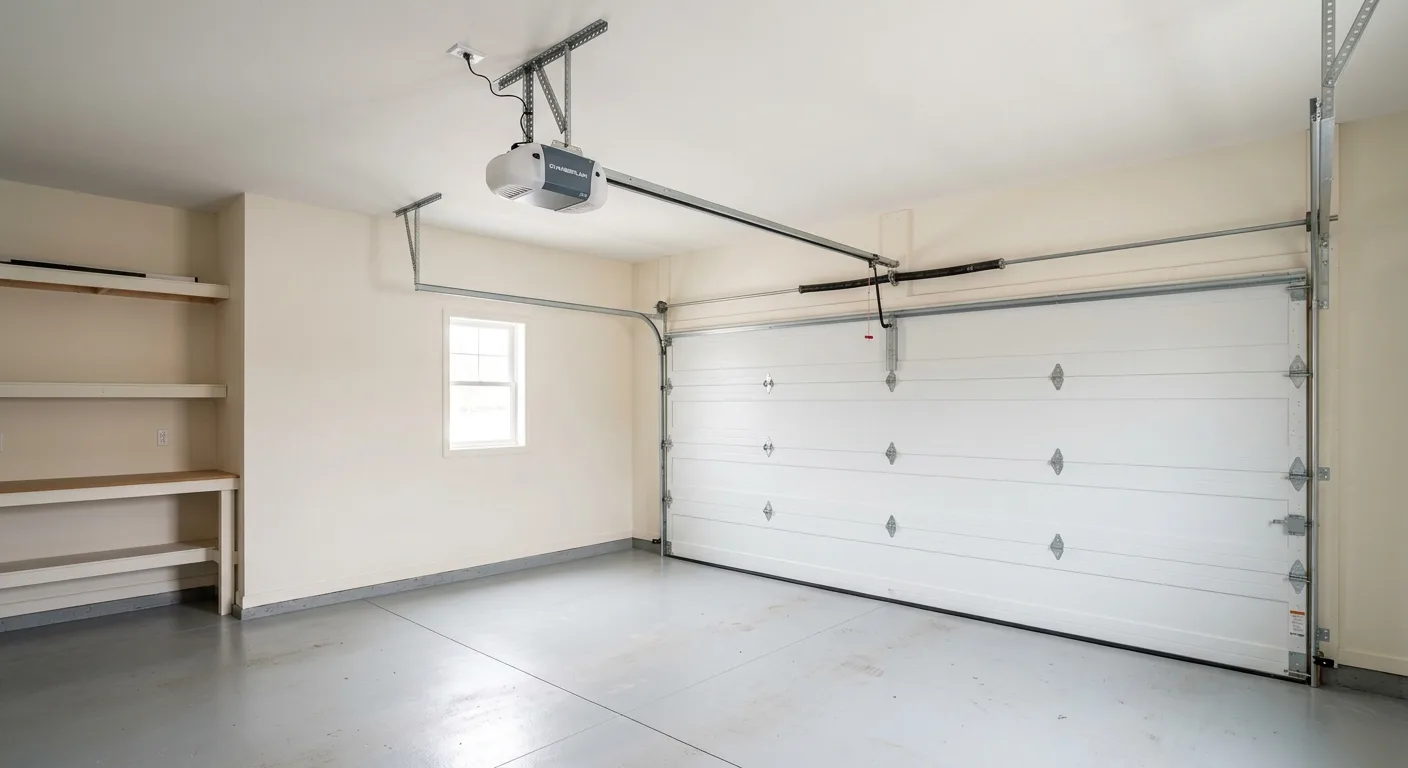
Garage Door Remote Not Working? Fix the Remote First, Then Rule Out the Opener
Most dead-remote calls are a battery or a lost program, both free fixes you can do standing in the garage. This guide walks the LiftMaster and Chamberlain checks in order, then shows you the one tell that means the problem is the opener, not the remote.
Start at the remote, not the opener. Here's why that order saves you money.
Advantage Garage Door Pros has fixed garage door remotes across Brainerd, MN since 2010, and nine times out of ten a dead remote is the cheapest fix a door has: a worn coin-cell battery or a program the opener forgot after a power blip, both two-minute jobs with no tools. The question that actually matters is whether it's the remote or the opener, and the wall-button test below settles it. Fully insured, bonded, and running 24/7: call (218) 515-2702.
One thing up front, because it saves confusion. LiftMaster and Chamberlain are the same company, and their remotes use the same learn-button programming. If you've got a Chamberlain remote and a LiftMaster motor on the ceiling, or the reverse, that's normal and the steps below work for both. We service every brand, so the diagnosis is the same process whether it's a Security+ 2.0 remote, an older single-button clicker, or a wall-mount keypad.
Here's the frame that keeps you from overspending. A remote that stopped working is almost never the opener, and an opener that stopped working almost never gets fixed by buying a new remote. Those are two different problems that feel identical from the driveway. The tell that separates them is dead simple, and it's the first thing to check: does the wall button still open the door? If the wall button works and only the remote is dead, the opener is healthy and you've got a remote problem, which this page fixes. If nothing works, including the wall button, that's the opener, and that's a different page and usually a call.
- Fully insured & bonded
- 24/7 emergency response
- Local crew since 2010
- No callbacks, no upsells
My garage door remote isn't working at all. Where do I start?
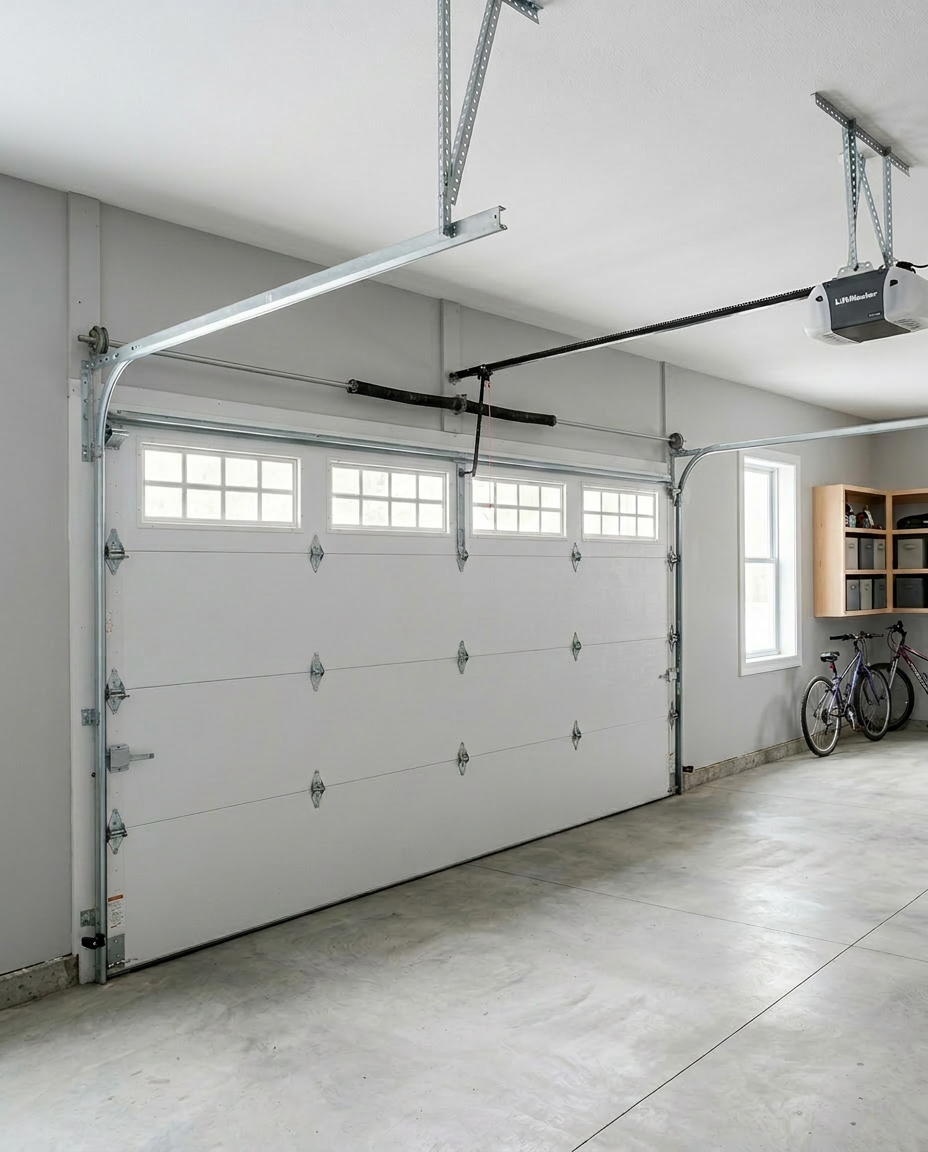
A remote that does nothing is a battery, a lost program, or a range problem, in that order of likelihood, and you can rule out the first two in under two minutes. Start with the one test that tells you whether you even have a remote problem: press the wall button inside the garage. If the door runs from the wall button but not the remote, the opener is fine and the fault is at the remote. That's the whole game, and it points you straight at the checks below.
Work these in order, because they're ranked by how often they're the actual cause on the calls we talk through:
- Replace the battery. A weak coin cell is the number one cause by a wide margin. Remotes usually die gradually, working only up close for a week or two before they quit entirely, so if range dropped before it died, it's almost certainly the battery. Most LiftMaster and Chamberlain visor remotes take a CR2032 or CR2016; pop the case, swap it, mind the plus side up.
- Reprogram the remote to the opener. A power flicker or a drained battery can wipe the pairing. Press the Learn button on the motor unit (there's a small LED beside it), then press the remote button within about thirty seconds. The opener light blinks or the unit clicks to confirm it paired.
- Check the range. If a fresh battery works only within a few feet, that's not a dead remote, it's a weak signal. The next section covers why, and it matters more here in the cold.
- Check the lock or vacation switch. LiftMaster and Chamberlain wall consoles have a lock button. If it's engaged, the remotes go dead while the wall button still works. One press clears it, and this one fools people constantly.
If a fresh battery and a reprogram don't bring the remote back, don't keep buying remotes. The next step is figuring out whether it's the remote hardware or the opener's receiver, which is a few sections down. Our garage door opener repair page covers what we test before we ever quote a part. Ready when you are: call (218) 515-2702.
How do I reprogram a LiftMaster or Chamberlain garage door remote?
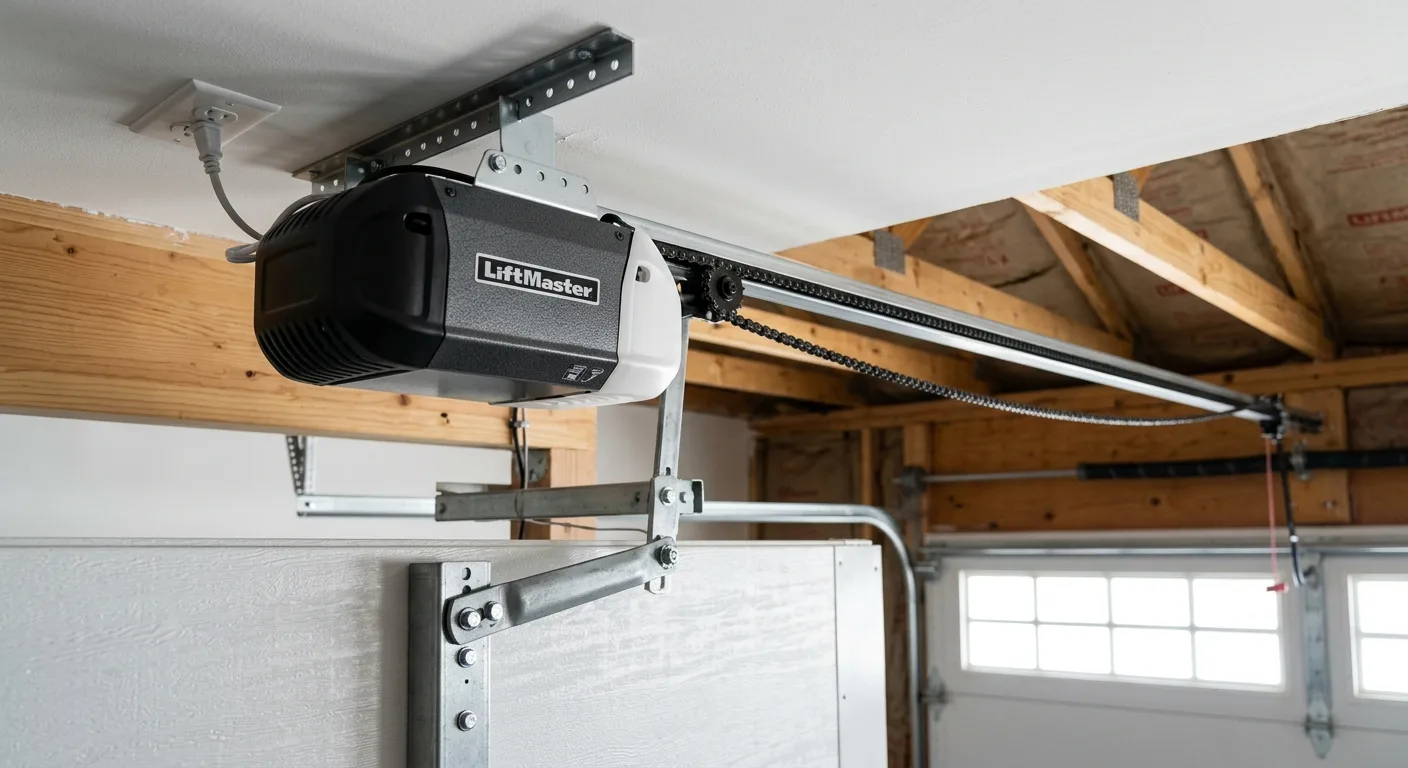
Reprogramming takes about thirty seconds and no tools, and the steps are the same for LiftMaster and Chamberlain because they share the same Security+ learn system. You need to get to the Learn button on the motor unit, which usually means a step stool, and you need to press the remote within the time window. That's the whole job.
"Half the 'my remote died' calls we get are really 'my remote forgot the opener after the power went out.' A reprogram fixes it, and we'd rather tell you that on the phone than charge you for a trip."
Here's the sequence, step by step:
- Find the Learn button. It's on the back or side of the motor unit, next to a small LED, often under the light lens. The color (purple, yellow, red, green, orange) tells you the generation, but the procedure is the same.
- Press and release the Learn button. The LED lights up, giving you roughly thirty seconds.
- Press the remote button once within that window. The opener light blinks or the unit clicks twice to confirm the pairing.
- Test it. Press the remote from inside the garage first, then back off to the driveway to check range.
- If you're clearing out an old or lost remote, hold the Learn button until the LED goes out (about six seconds) to erase all remotes, then re-add each one you still have.
If the opener's Learn LED doesn't light when you press it, or the unit won't hold a pairing no matter how many times you try, that's not a remote problem anymore, it's the opener's logic board or receiver. Tell us what's going on and we'll sort whether it's a part or a board.
My garage door remote works sometimes, or only up close in the cold. What's wrong?
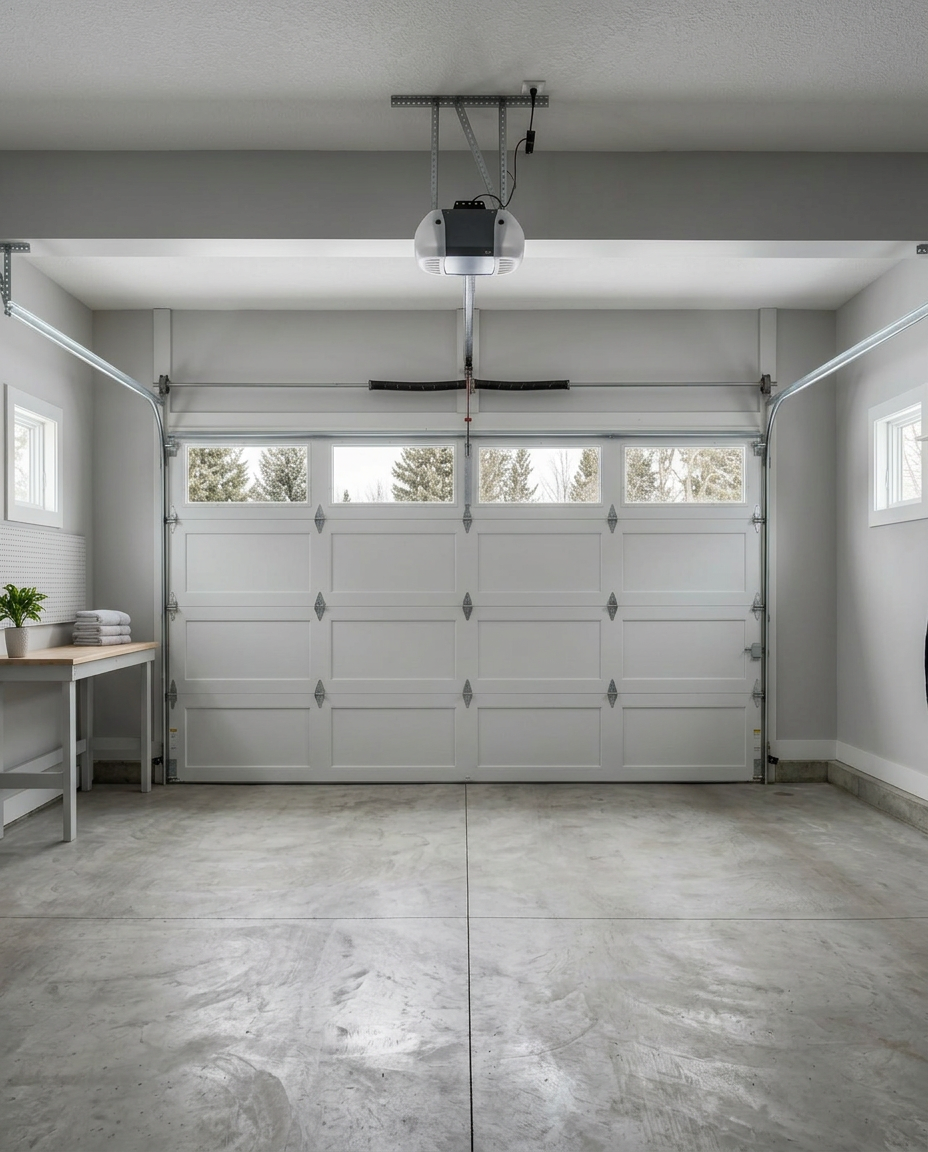
Intermittent or short range is almost always one of three things: a battery on its way out, radio interference, or a weakened antenna, and cold makes all three worse. A remote that opens the door from the driveway in July but needs you right under it in January is the classic central-Minnesota pattern. Coin cells lose voltage as the temperature drops, and an unheated garage sitting in the single digits by January is hard on a battery that was already marginal.
Run these in order to find your culprit:
- Battery first, always. A dropping coin cell shows up as shrinking range long before it quits. If range got shorter over weeks, replace the battery before anything else. This is the single most common fix for the cold-morning short-range complaint.
- Interference from LED lights. This is the one that surprises people. Cheap LED shop lights and some LED bulbs put out radio noise that drowns out the remote, cutting range to a few feet. Test it: open the door from a distance with the garage lights off, then on. If it only works with them off, the lights are the problem, and swapping to a different bulb fixes it.
- The antenna wire. The short wire dangling from the motor unit is the receiver's antenna. If it's been cut, coiled, or tucked up out of the way, range drops hard. Let it hang straight down.
- A failing receiver. If the battery is fresh, the lights aren't the issue, and the antenna hangs free but range is still terrible for every remote, the opener's receiver is weakening. That's an opener fix, not a remote fix.
"The LED-light one gets the most double-takes. Someone upgrades to bright shop lights, the remote range tanks the same week, and they're sure the opener is dying. It's the lights."
If you've ruled out the battery, the lights, and the antenna and range is still poor for all your remotes, call and describe it. Talk to a tech: (218) 515-2702.
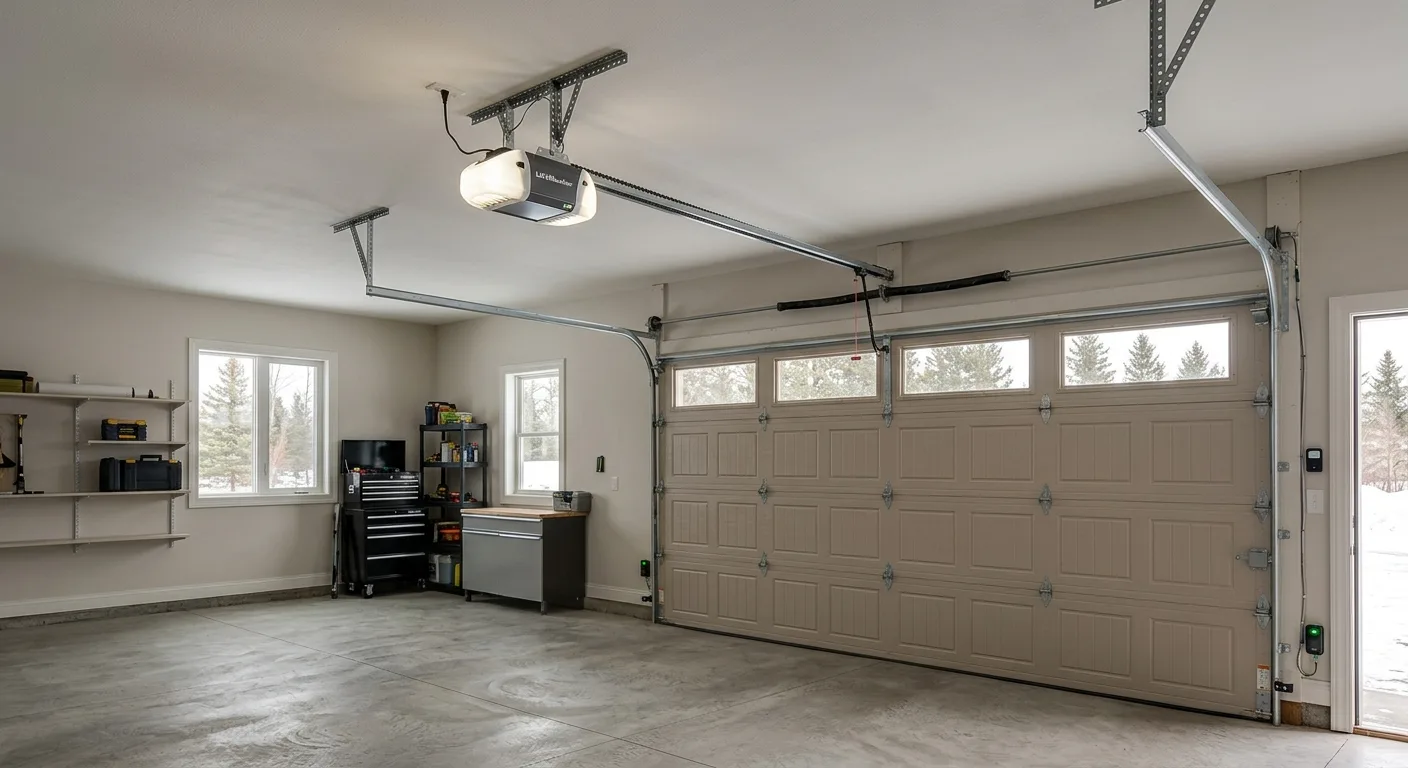
Is it the remote or the opener? The one test that tells you.
This is the whole point of the page, so here it is plainly: press the wall button inside the garage. If the door runs from the wall button, the opener is working and your problem is the remote. If the wall button does nothing either, the opener is the problem, and no new remote will fix it. That one check saves people from buying remote after remote for an opener that needs a repair.
Use this to place your problem on the right side of the line:
- Wall button works, one remote dead: that remote's battery or pairing. Fix the remote.
- Wall button works, every remote and the keypad dead: the opener's receiver or logic board is the suspect, not the remotes. That's a repair.
- Wall button does nothing, no light on the motor unit: a power problem at the opener (tripped GFCI, unplugged, breaker). Not a remote issue at all.
- Wall button runs the door but the motor hums and the door won't move: that's not a remote or a receiver, it's a stripped drive gear or a broken spring. Stop running it. See our LiftMaster opener troubleshooting by symptom guide, which walks the full opener down the line.
If you've run the test and landed on the opener side of the line, that's when a call earns its keep. We amp-test the motor and check the receiver before we ever quote a part, so you don't replace a whole opener over a receiver board. Our opener repair page covers what we check. Call (218) 515-2702 and describe what the wall button does.
When replacing the remote isn't enough: upgrades and worn-out openers
Sometimes the honest answer is that the remote is a symptom, not the disease. If your opener is old enough that remotes keep losing their pairing, the receiver is drifting, or you're hunting down discontinued clickers, the remote isn't really the problem anymore. That's worth knowing before you spend another dollar on remotes for a unit near the end of its life.
For most people the better path, when a tired opener keeps acting up, is an upgrade that adds phone control and encrypted security in one shot. A smart garage door opener replaces the clicker-and-receiver problem entirely: you open the door from your phone, get an alert if it's left open, and the rolling code can't be grabbed out of the air the way old fixed codes could. It's not the right call for a healthy opener with a dead remote, that's just a battery, but it's the right call when the opener itself is the thing wearing out.
"We don't upsell a new opener for a dead remote. But if you're on your third remote in two years for a twenty-year-old unit, we'll tell you the truth: the opener is the problem."
Not sure whether you've got a remote problem or an opener on its way out? That's exactly the call we're glad to take. Tell us what's going on and we'll come back with a straight answer, or call (218) 515-2702 for a remote replacement or opener assessment across the Brainerd Lakes area.
Frequently Asked Questions
Not sure where to start?
Call now or request a free quote — we typically respond same day.
Ready to get started?
Local crew, done right, since 2010.